Today we're shipping branch rebasing, a new way to keep your branches current while you work. When main moves ahead in your development environment, you can rebase your branch to absorb the latest changes without losing the commits you've made.
Stay in sync with main
Branching is a great way for team members to work independently in Knock without stepping on each others toes. But as changes get merged into main, changes on other branches could fall behind.
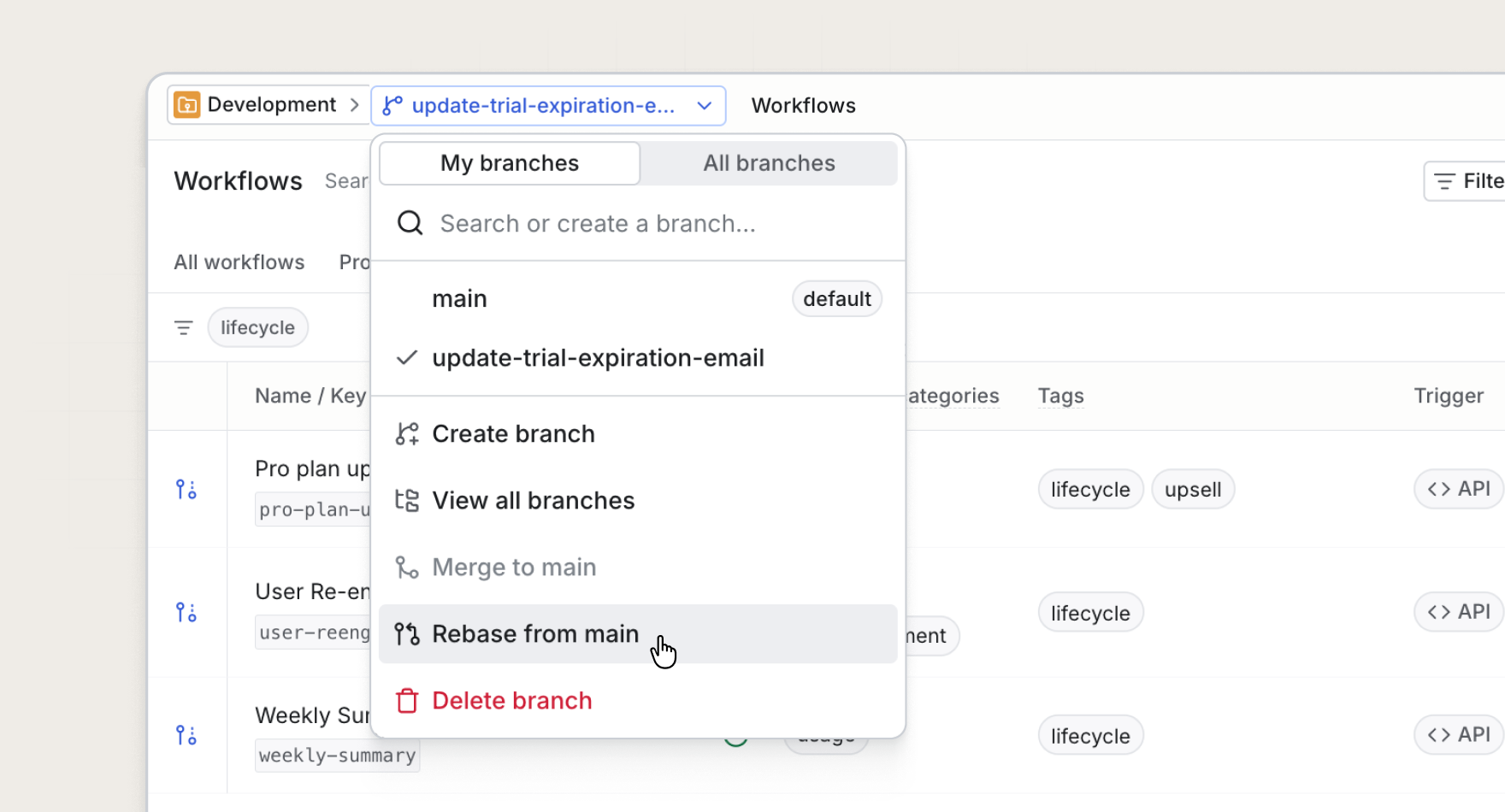
Branch rebasing solves this. Now, when teammates merge workflow updates, layout changes, or other resource commits into the development environment, Knock will surface when your branch is behind. Then, you can rebase to bring those changes onto your branch in one step.
Your work stays protected
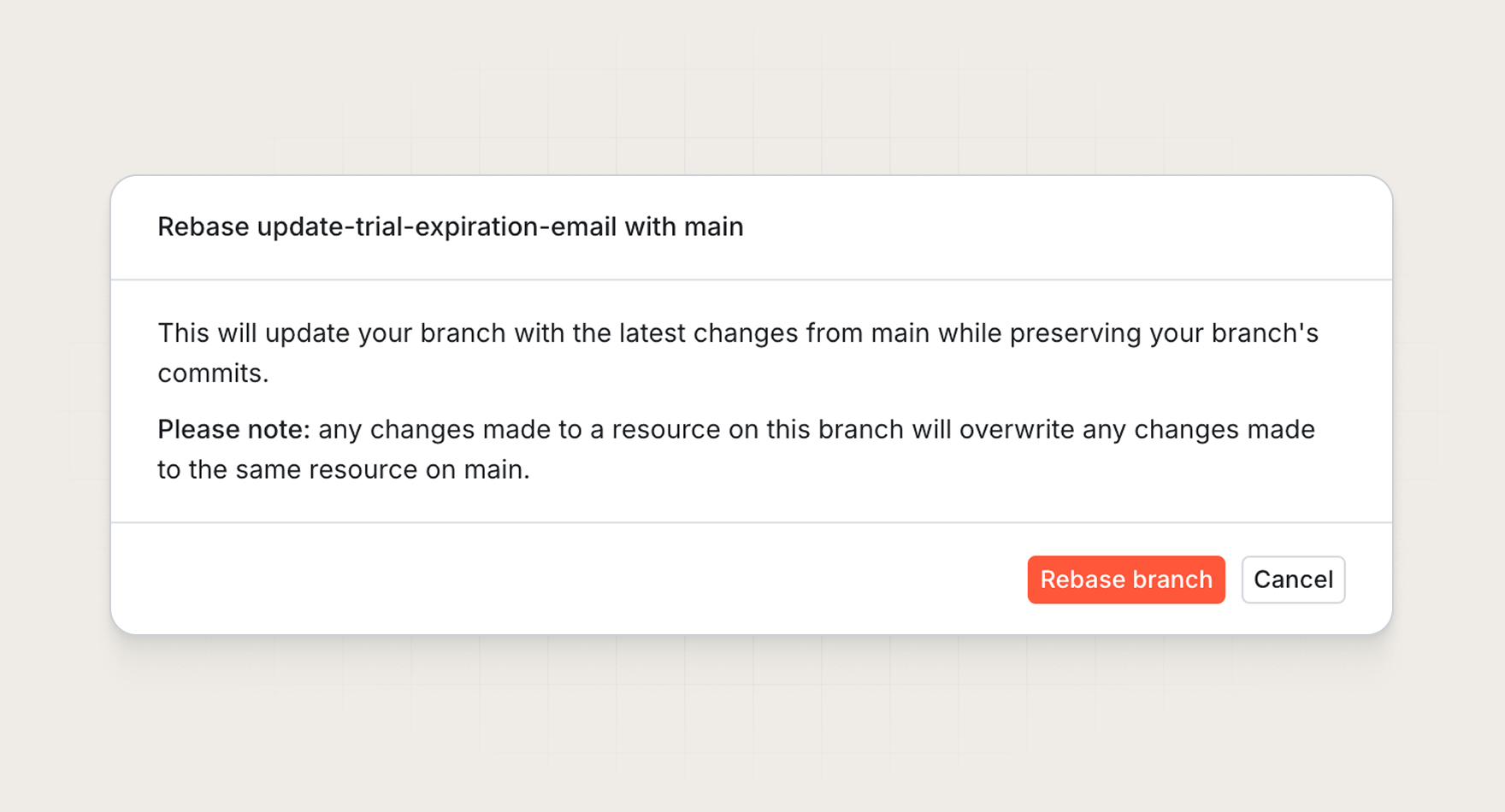
Rebasing uses automatic resolution to update your branch in place. For each resource, Knock compares what exists on main with what exists on your branch:
- Resources you've committed to on the branch. Your branch version is preserved.
- Resources you have not changed. Your branch receives the latest committed version from
main. - Resources that exist on
mainbut not on your branch. Those resources are copied into the branch.
The result is a branch that reflects the current state of main plus your work, giving you the best of both worlds: the freshest shared resources from main, and confidence that the work you've committed on the branch is not overwritten.
Available where you work
Branch rebasing is available in the dashboard, CLI, and Management API. Rebase from the Commits page when you see your branch is behind, run knock branch rebase from your terminal, or trigger a rebase programmatically as part of your CI/CD pipeline.
Rebasing always syncs a branch onto main in the development environment. It is built for the same Git-style workflow Knock branches were designed for—create a branch, commit your changes, rebase to stay current, and merge when you're ready.
Get started
Branch rebasing is available today for all Knock customers. Read more in our documentation.