BIMI record checker

Look up BIMI records to verify brand logo configuration for any domain. Check logo URL, VMC certificate presence, and raw TXT record details to ensure your brand displays in supporting email clients.

Domain lookup

The domain only, without https:// or a path.

BIMI record

Example

BIMI record found

default._bimi.example.com
Record details
VersionBIMI1
Logo URLPresent
https://assets.example.com/logo.svg
VMC certificatePresent
https://assets.example.com/vmc.pem
Raw record
v=BIMI1; l=https://assets.example.com/logo.svg; a=https://assets.example.com/vmc.pem

What is BIMI?

BIMI (Brand Indicators for Message Identification) enables organizations to display their brand logo next to authenticated emails in supporting inboxes like Gmail and Apple Mail. It builds on top of existing email authentication (SPF, DKIM, and DMARC) to provide a visual trust signal to recipients.

BIMI records are stored as TXT records at the subdomain default._bimi.yourdomain.com. The record contains a URL to your brand logo (SVG format) and optionally a Verified Mark Certificate (VMC).
BIMI prerequisites

RequirementDetails
DMARCPolicy set to p=quarantine or p=reject
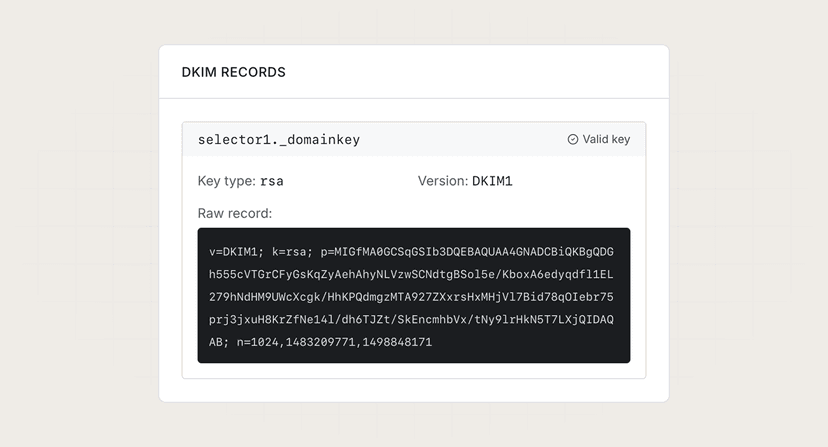
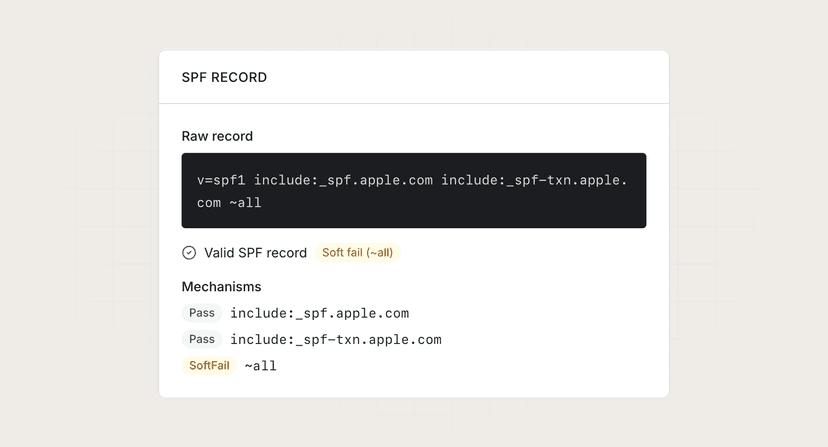
SPF + DKIMPassing authentication for your domain
SVG logoTiny PS or SVG 1.2 format, hosted on HTTPS
VMCOptional but required by some providers (e.g., Gmail)

Learn more

Browse more tools

View all tools